

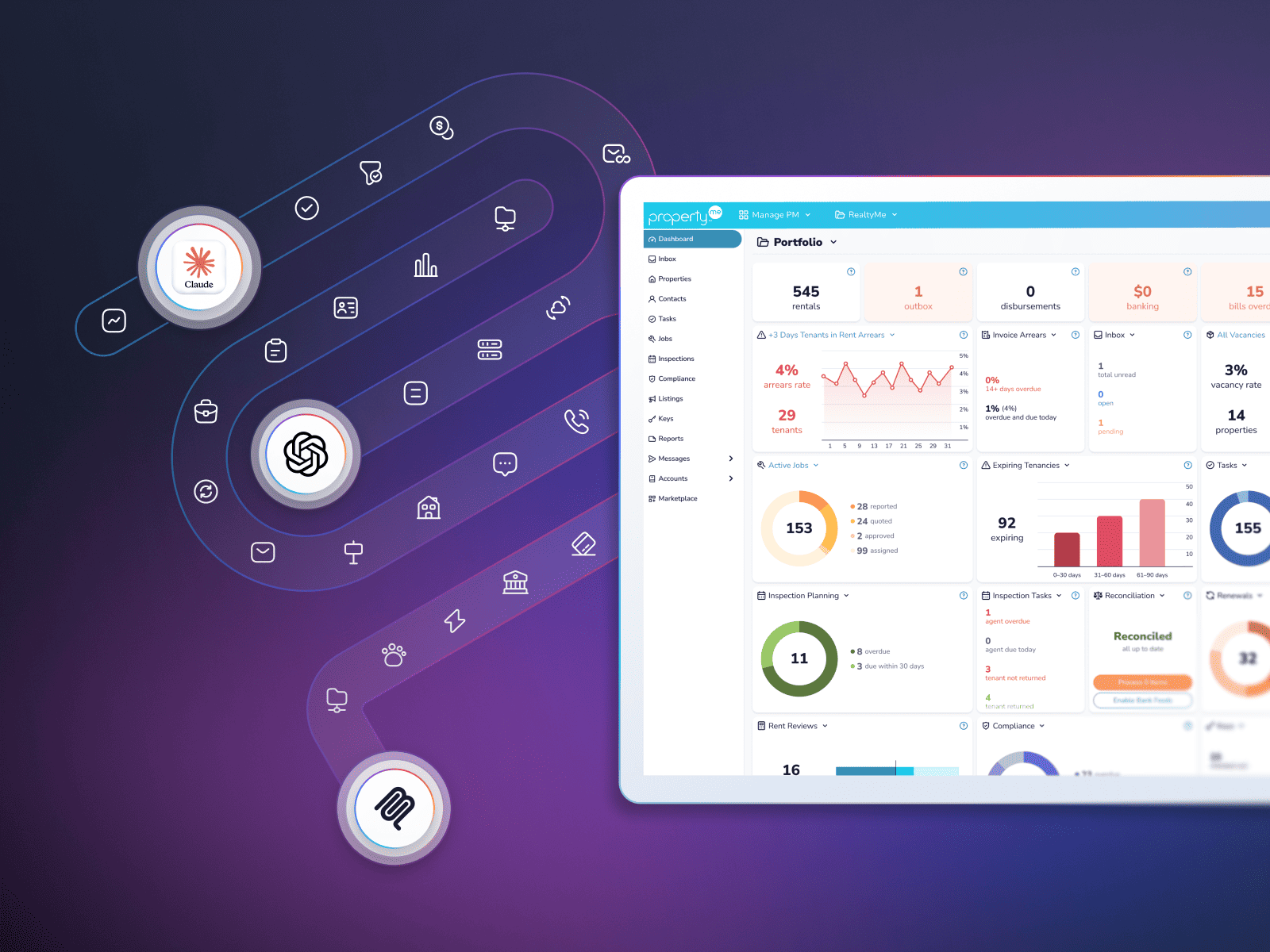
What if getting more from your PropertyMe data was as easy as asking a question?
Meet AiMe Connect, the latest addition to the AiMe family of AI tools and our biggest step in AI yet. It connects your PropertyMe data with the AI platform you prefer, such as Claude or ChatGPT. When connected, you can ask questions in plain language and get the information you need without manually pulling reports, switching between portfolios or piecing together data yourself.
Here’s a look at what you can do with AiMe Connect.
Create reports without the manual work
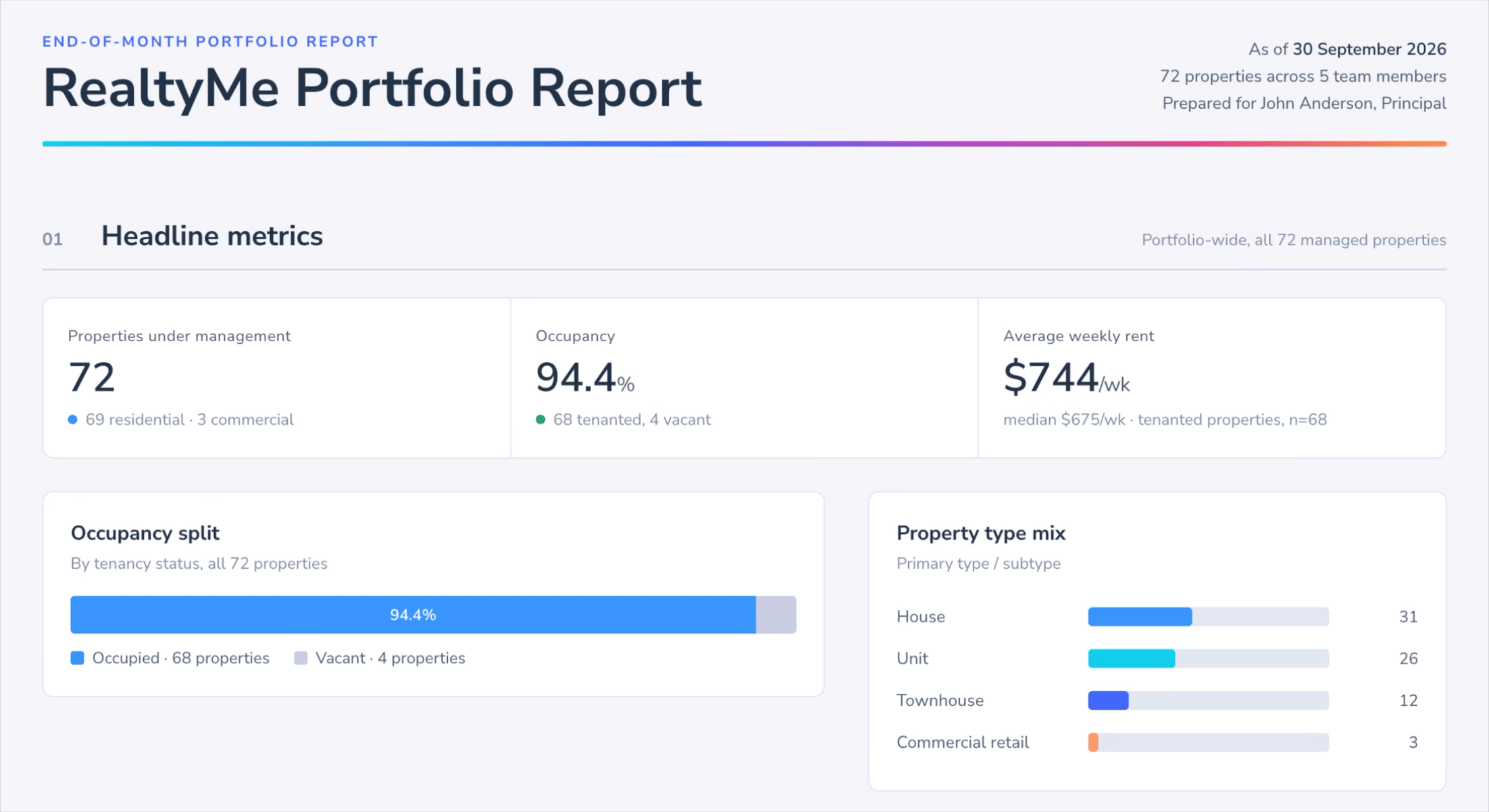
AiMe Connect gives you a faster way to pull together the information you need to make reporting faster by cutting out the repetitive work, like gathering figures, updating spreadsheets and formatting reports.
Ask it to create a report using your current PropertyMe data, update a spreadsheet or reproduce an existing report with the latest figures. You can also build dashboards tailored to the way your agency tracks performance, including end-of-month statistics, vacancy rates, rent arrears, maintenance activity and team performance.
For example, try asking:
- Build an end-of-month dashboard showing portfolio KPIs, rent arrears, vacancies, lease renewals and maintenance activity. Produce a clean, editorial, data-dense report format, delivered as both an interactive dashboard and a matching PDF.
- Create a spreadsheet of all jobs completed this month, grouped by property. Include the job name, type, completion date and supplier.
- Reproduce this report using the latest figures from PropertyMe. (Attach a previous version of your report.)
See the bigger picture across multiple portfolios
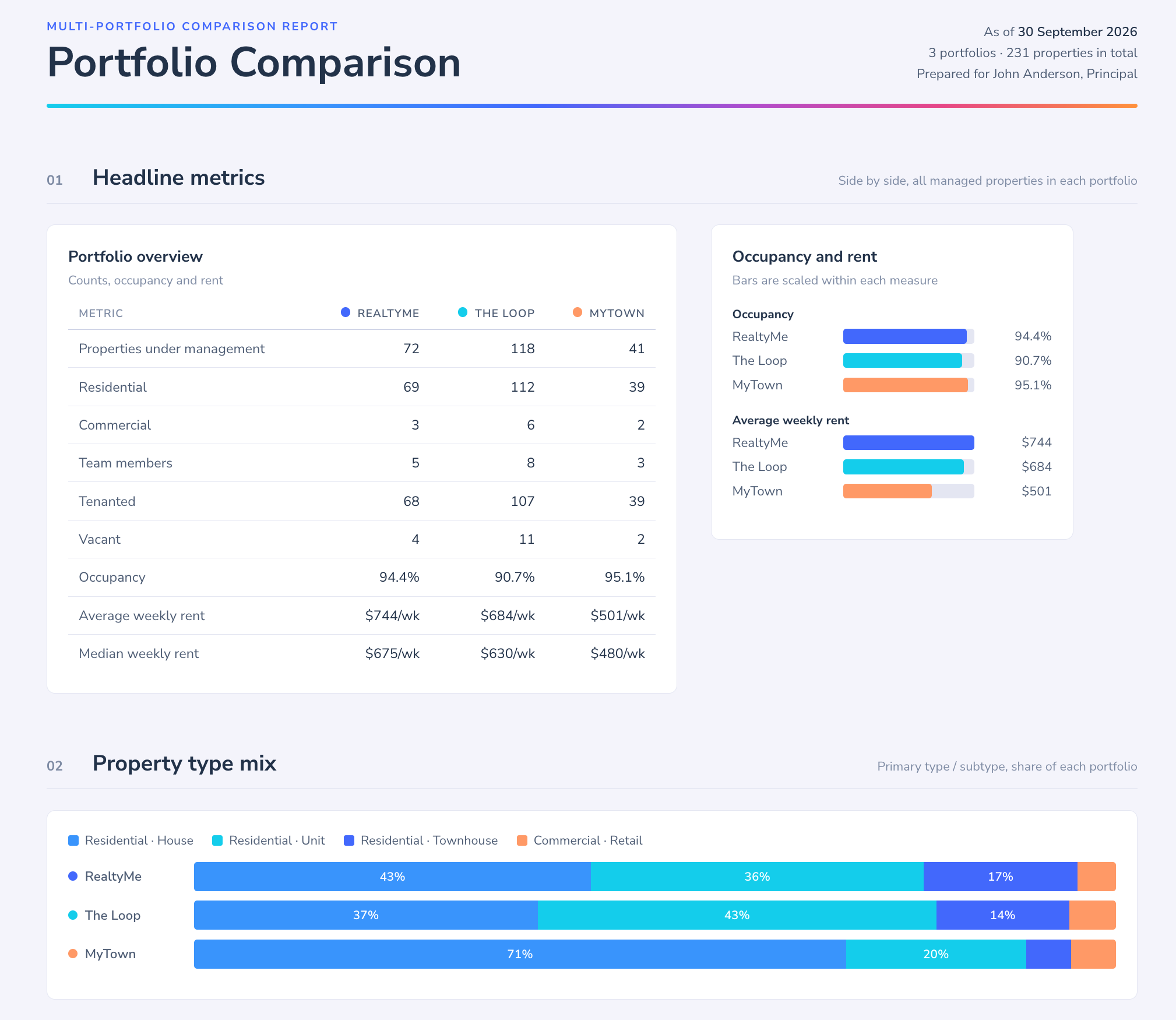
For agencies managing multiple portfolios, comparing performance can mean switching between accounts and combining separate reports. AiMe Connect lets you bring figures together in a single request, making it easier to compare results and spot areas that need attention.
Try these prompts:
- Across all portfolios I manage, give me a breakdown of open tasks, jobs, inspections and renewals due this week.
- Give me a per-portfolio breakdown showing the percentage of tenants in arrears.
Keep your team and portfolio on track
If you manage a busy team, use AiMe Connect to identify items that need follow-up, review team workloads and check the status of individual jobs or renewals.
Try these prompts:
- Look through my open jobs, tasks, inspections and lease renewals. Flag anything that’s been sitting without a status update for more than 30 days and anything marked high or urgent priority that’s still not assigned. Group the results by property.
- List everyone on my team, then show me the open items assigned to each person. Flag anything that’s stuck or needs my attention.
Get the context you need before an owner call

Before calling an owner, AiMe Connect can pull together relevant information to help you prepare for the conversation.
Try these prompts:
- I’m about to call [contact name]. Give me a quick briefing of what they might want to discuss.
- List every property owned by [owner name] and any outstanding items that may need their attention. Produce a quick update message I can send to them.
Make handovers and daily planning easier
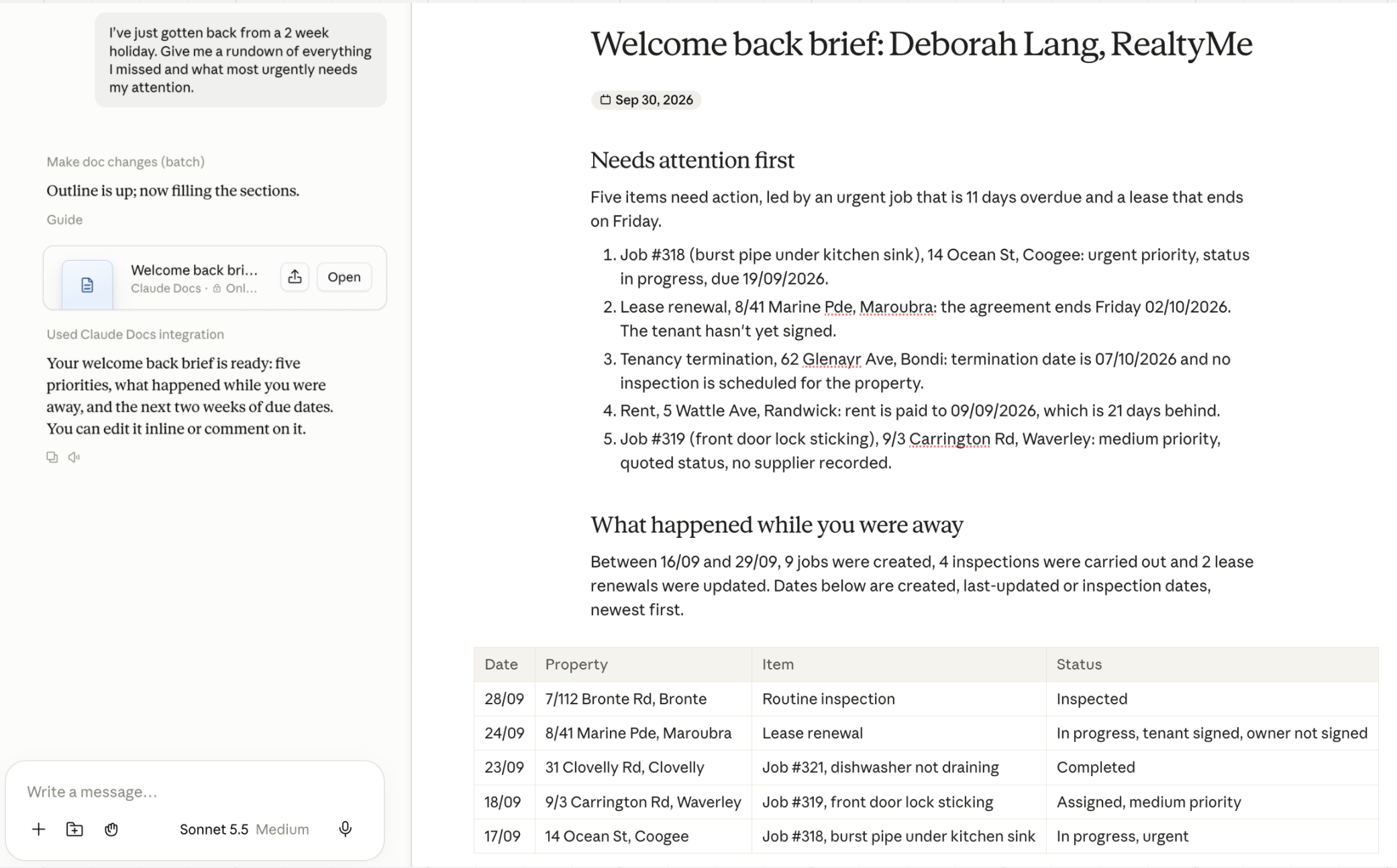
If you’re returning from leave, covering for a colleague or taking over a portfolio, AiMe Connect can help you quickly get across work already in progress. Ask AiMe Connect to prepare a handover brief or summarise outstanding items so you know where to focus first.
Try these prompts:
- Give me a handover brief for everything assigned to [team member name]. Group it by property as a quick-reference guide for the person covering.
- I’ve just returned from a two-week holiday. Give me a rundown of everything I missed and what most urgently needs my attention.
Get more specific with your property data
Some questions go beyond standard reporting. You might need to find properties with a particular label, check when compliance work was last completed or identify managements with unusually high maintenance activity.
AiMe Connect can use labels attached to properties and tasks to help you find more specific information and investigate patterns across your portfolio.
Try these prompts:
- List all properties that have the label [Pets]
- For each property, list the most recently completed job with the label [swimming pool compliance] and include the date it was completed.
Work with AI your way, with control in your hands
AiMe Connect works with your preferred AI platform, so you can use a familiar tool to explore your PropertyMe data.
Your agency stays in control of access. Admin users can select which team members can use AiMe Connect through a dedicated setting in PropertyMe. Currently, access is read-only, meaning the AI can retrieve and analyse available data but cannot make changes to your PropertyMe records.
If you’re a Manage PM Advanced user, you can get started by visiting the AiMe Connect hub through Portfolio Settings for example prompts you can adapt to your needs.
Explore what’s possible with AiMe Connect
AiMe Connect is the latest addition to the AiMe family, alongside Reply with AiMe and AiMe Comply, as we continue to develop more AI tools to help agencies work more efficiently.
It’s available to all customers across Australia and New Zealand on the Manage PM Advanced plan. If you’re on the Basic or Standard plans, unlock AiMe Connect by upgrading your plan today.
Not using PropertyMe yet? Book a demo today to see how top agencies are using AI to access deeper portfolio insights, faster.